Keystone Photo Lab
Perspective correction & AI corner fill for iPhone, iPad & Mac
Fix the keystone effect. Keep the whole frame.
Tilt your phone up at a building and the walls lean in — that's the keystone effect. Keystone straightens the converging verticals, then fills the empty corners with generative AI instead of cropping them off. Full resolution, Display P3 and native HDR intact.
 Scan with your iPhone
to get the app
New to this? Read the guide: the keystone effect, explained →
Before & after
Straighten the shot. Keep every pixel.
A real iPhone photo. Other editors crop the corners away after straightening — Keystone fills them in, so nothing from your composition is lost.
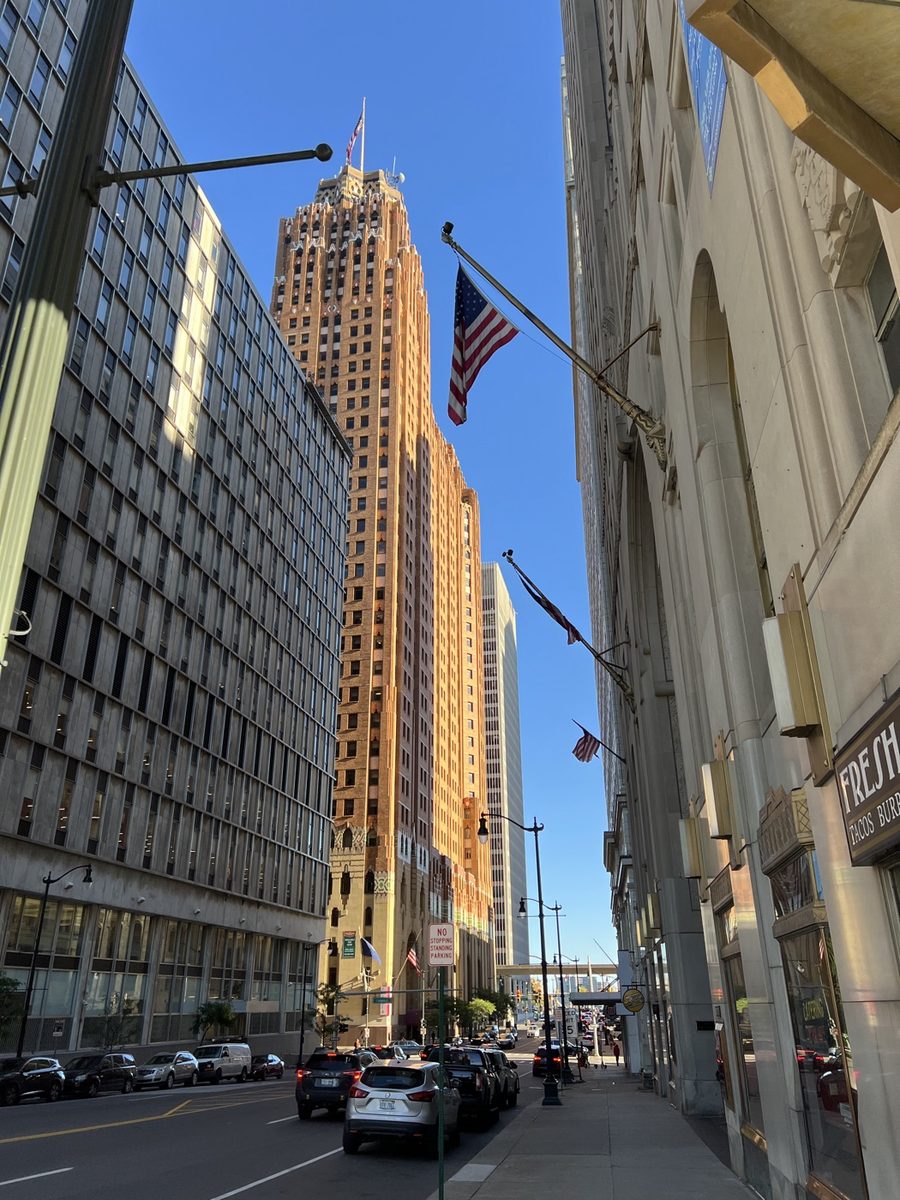

Converging verticals corrected, corners filled by AI, saved at the original 3024×4032 as HEIF with HDR. More before & afters in the guide →
How it works
Three steps to a straight shot
Straighten
Add your photo. Keystone auto-detects the converging lines and levels the verticals — or fine-tune the corners, keystone, rotation and bow by hand.
AI fills the corners
Correcting perspective leaves empty wedges at the edges. Generative AI paints them back in seamlessly, at your photo's full resolution.
Save at full quality
Export as HEIF at native size with Display P3 and HDR intact — the same size and format as the original.
More than perspective
Full image editing suite
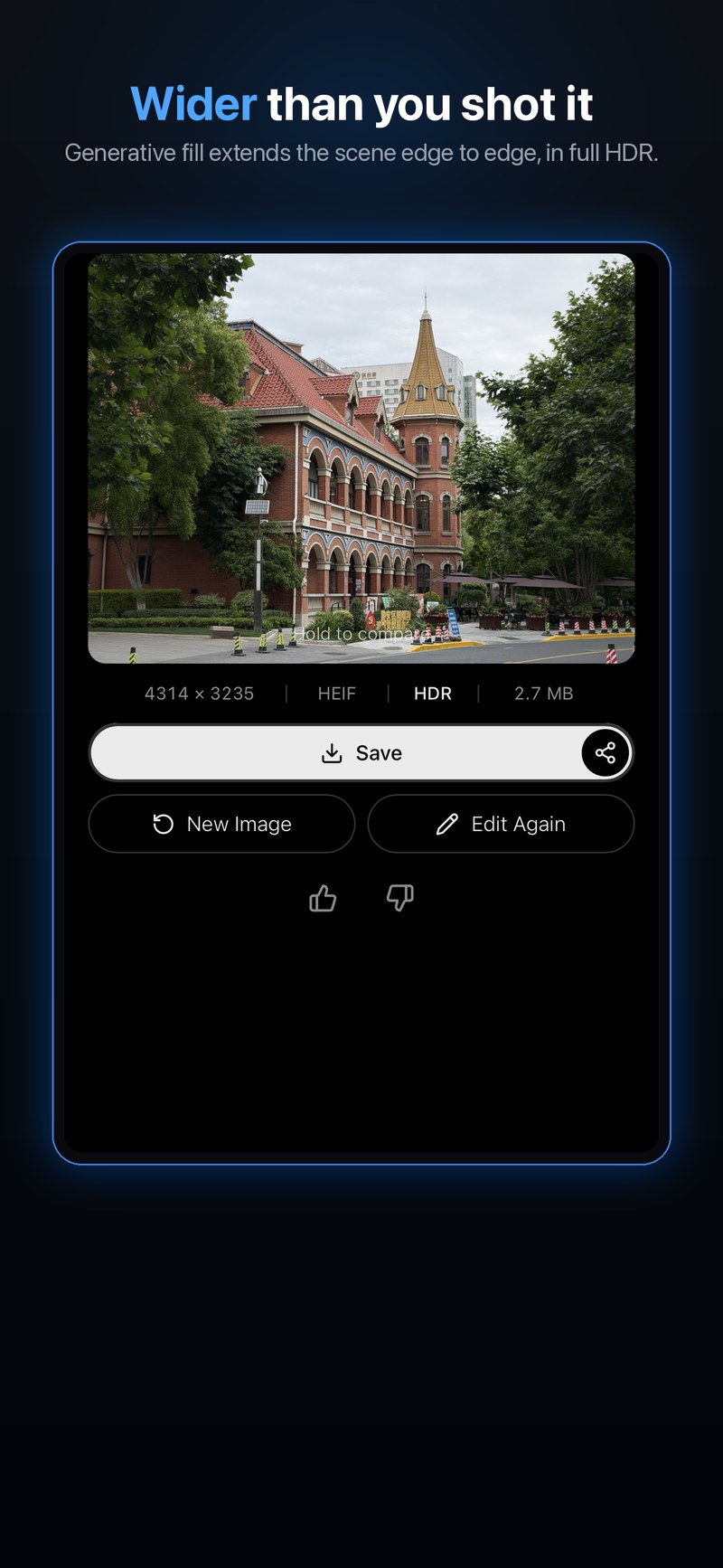
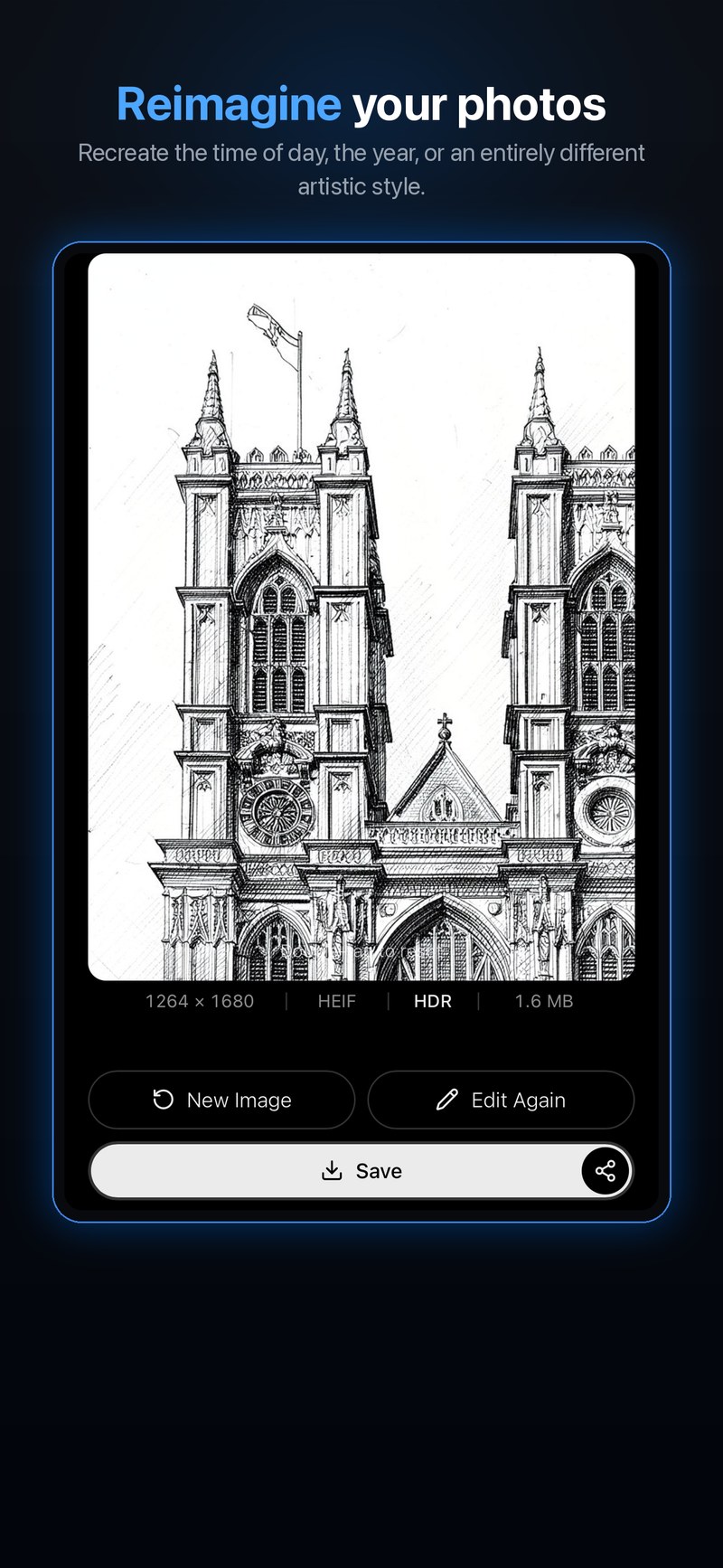
Expand a scene beyond its edges, reimagine it in a new style, or dial in the color by hand — always at full resolution, always with HDR intact.
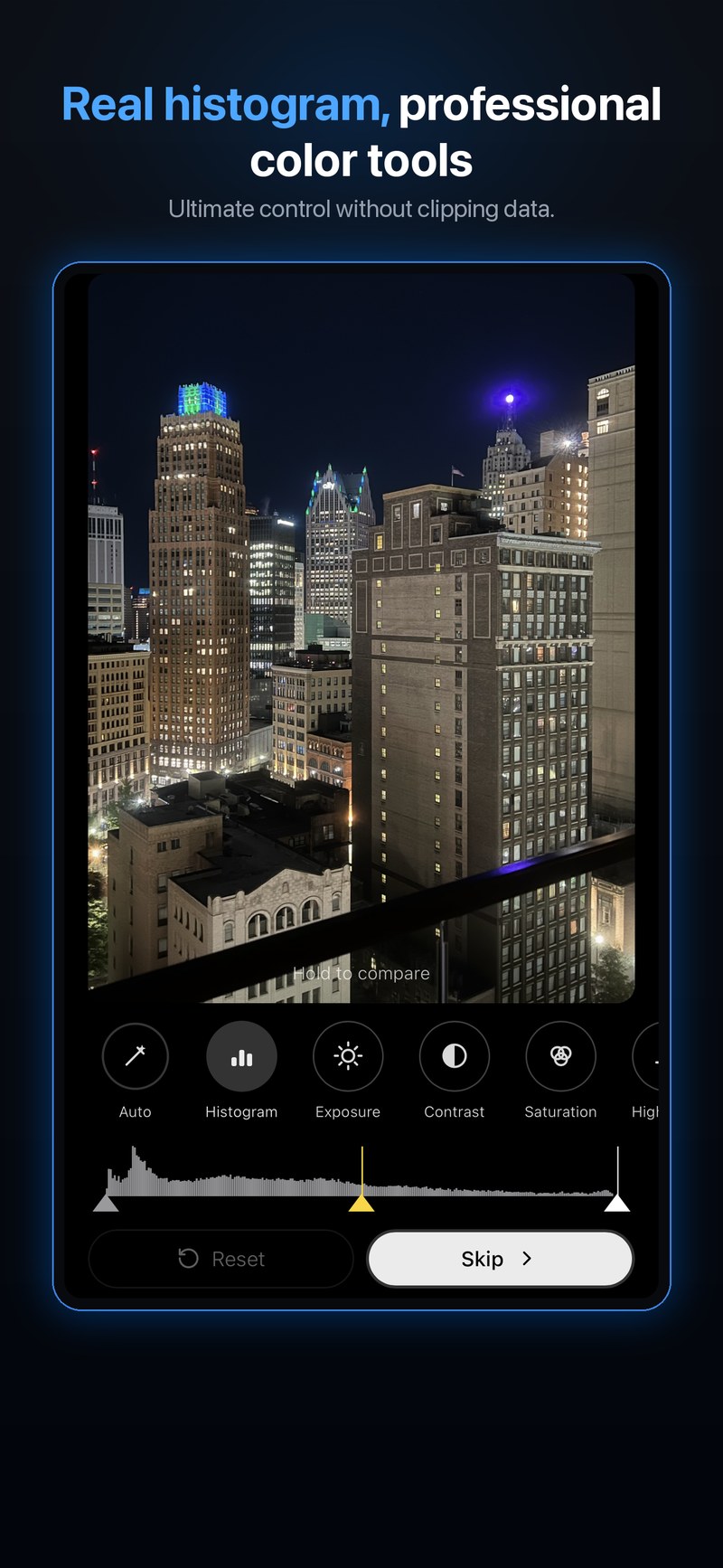
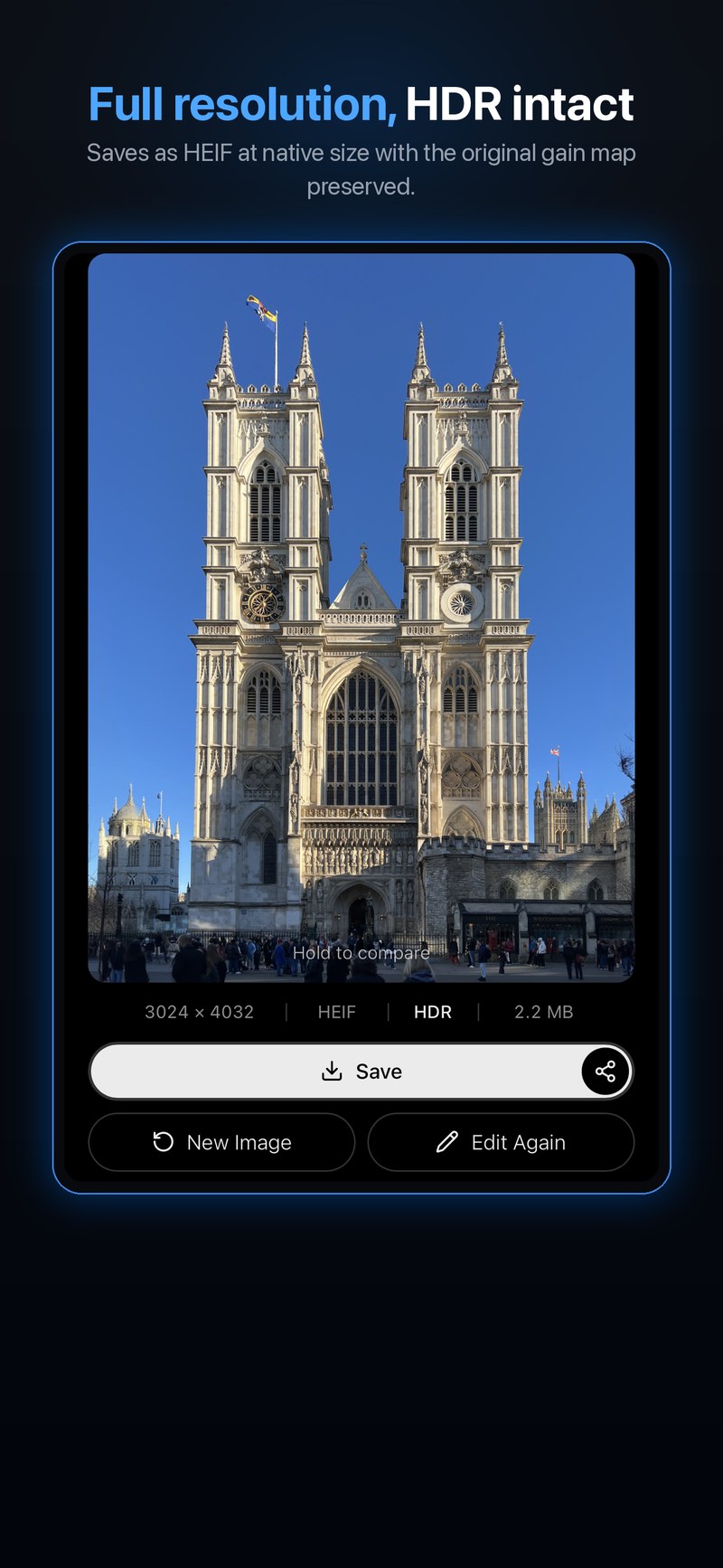
Guide
The keystone effect, explained
Why buildings lean backwards in photos, what converging verticals are, a tilt-shift lens vs. software correction, and why every editor crops your corners — with real before & afters.
Read the guide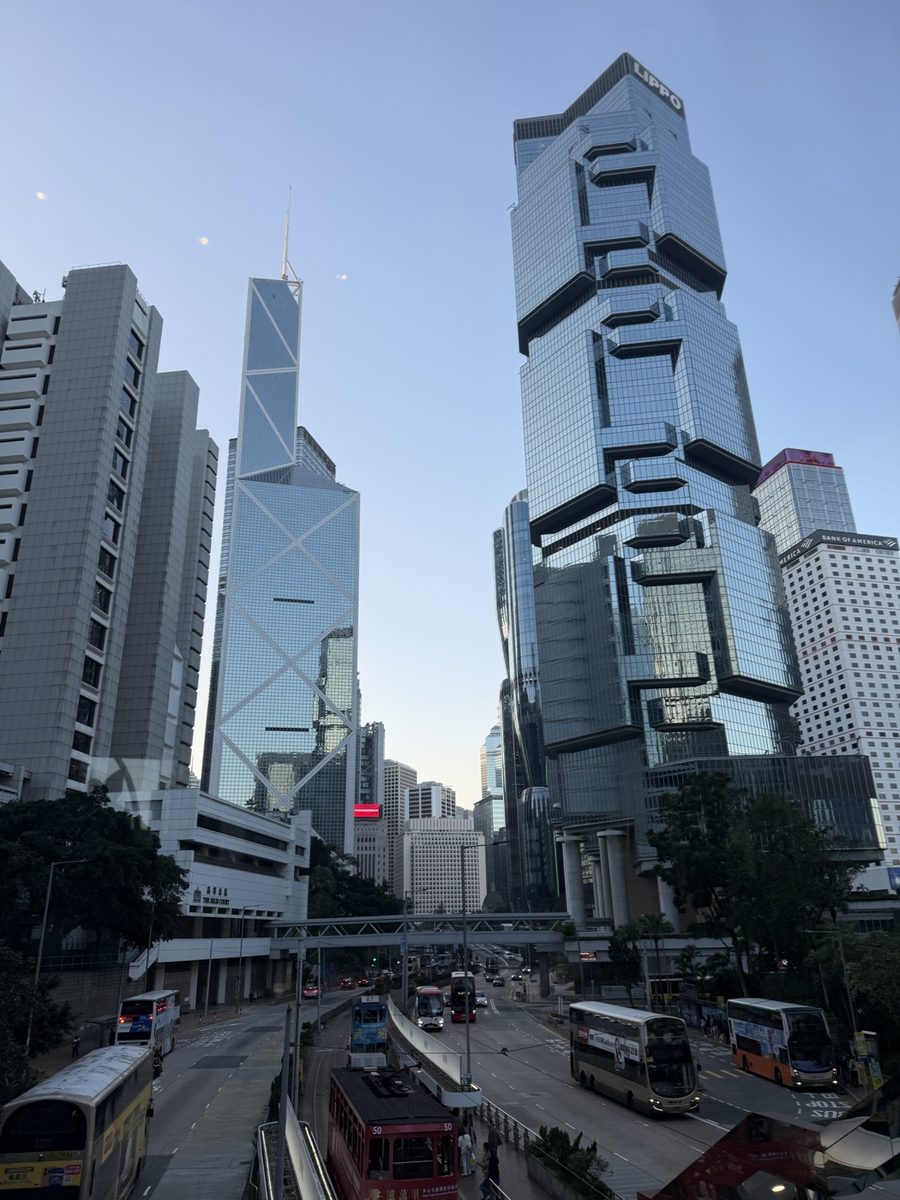
FAQ
Questions, answered
What is the keystone effect?
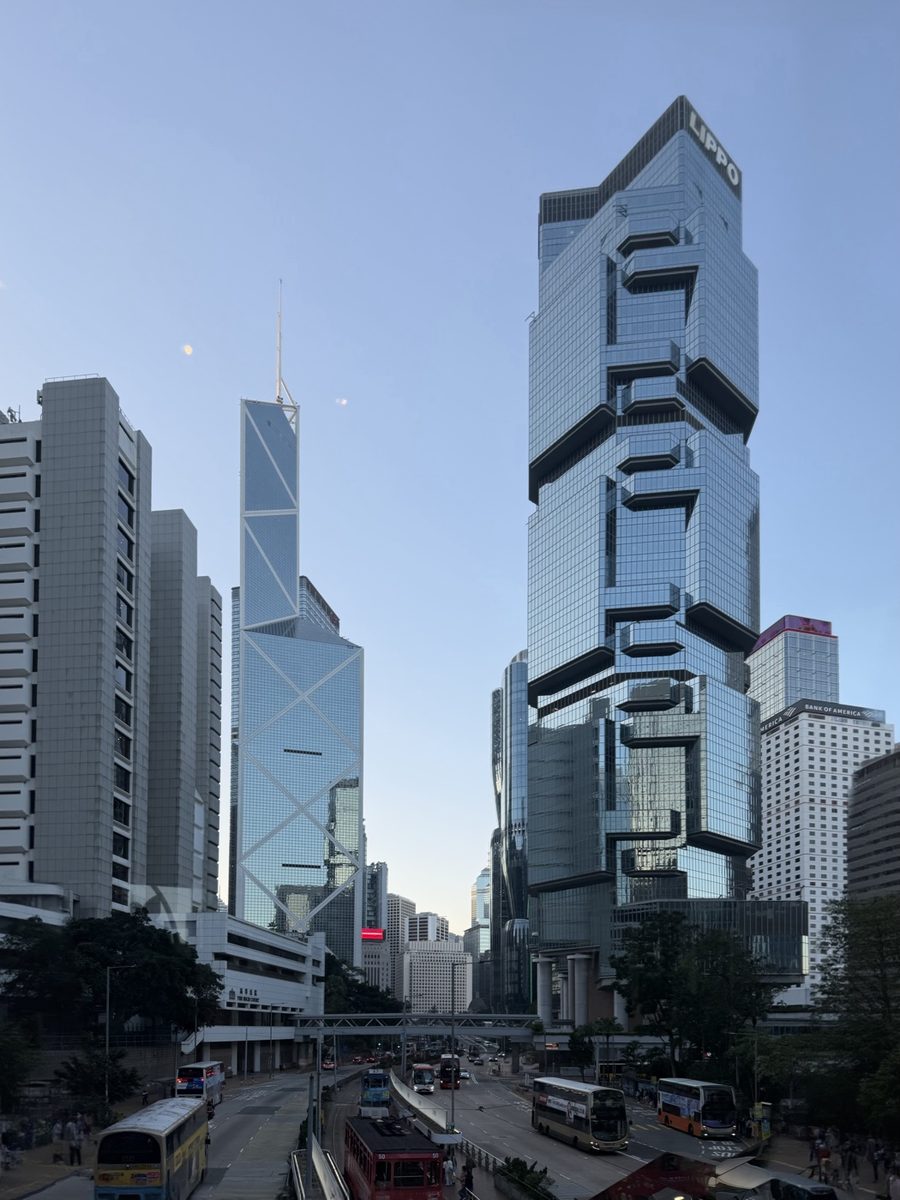
The perspective distortion you get when you tilt your camera up at a building: the vertical edges converge toward the top, so the building looks like it's leaning backwards. It's also called converging verticals or converging lines. Keystone corrects it automatically and fills the corners the correction leaves behind. Read the full guide.
What does Keystone Photo Lab do?
It detects the converging lines in a photo and straightens leaning buildings, then uses generative AI to fill the empty corners that straightening leaves behind — at full resolution — so you keep the whole frame instead of cropping. It can also generatively expand, upscale, reimagine a shot in a new style, and fine-tune color with a full adjustment studio.
Why do other apps crop my photo when they straighten it?
Correcting perspective warps the rectangular image into a trapezoid, leaving empty wedge-shaped gaps at the corners. Most editors crop those gaps away, losing part of the frame. Keystone generates only those empty corners — the rest of the photo is your original pixels, untouched, not an AI-regenerated copy — so your full composition is preserved.
Does it keep full resolution and HDR?
Yes. Unlike editors that flatten to sRGB, Keystone preserves your iPhone's wide-gamut Display P3 color and native HDR gain map end to end, and saves as HEIF at the photo's native resolution. Even the metadata is preserved — EXIF, capture date and location travel with the photo.
Does Keystone run on a Mac?
Yes. It runs natively on Apple-silicon Macs and is available from the Mac App Store under the same listing as the iPhone app. On a Mac you can pick photos from any folder with the standard Open panel, resize the window, and zoom and pan with the trackpad or mouse wheel.
Is it free, and do I need an account?
Keystone is free to download and you can start editing right away with no account. Optional subscriptions unlock more AI edits and are billed monthly or yearly through your Apple ID, cancellable anytime.
How do I cancel a subscription?
Subscriptions are managed through your Apple ID: open Settings, tap your name, tap Subscriptions, choose Keystone Photo Lab and cancel. You keep access until the end of the billing period.
Straighten your next shot — and keep every pixel.
Free to start · no account required
Scan with your iPhoneto get the app
Legal & documents
Support & contact
Questions, feedback, or account/data requests — visit support or email support@vlodkodesign.com.